SYNCHUB is a powerful tool, packed full of features and utilities to help manage your data, and we strongly believe that you, the owners of that data, should have as much access and control as possible.
But conveying all this functionality in a single cohesive interface is an ongoing balancing act, trying to balance the needs of highly technical users right through to those that just want to plug-n-play their ETL.
Thankfully, our new AI & Automation platform now helps us bridge that gap, with our Bring Your Own User Interface (BYOUI) feature.
Over the course of this year coding models and the harnesses to run them have transformed from hit and miss productivity tools for developers into shockingly capable workhorses that can reliably turn simple, non-technical instructions into working applications, especially when working off of a rigorous and well defined framework.
In response to this - and the accompanying rise in AI-Assisted coding - we have empowered our automation platform with all the tooling available in our regular SYNCHUB App, but in a way that lets our customers tailor the platform to their own capabilities and priorities.
SYNCHUB - Reimagined
With BYOUI, a single prompt can be enough to build an interface that works for you. If you just want to visualize your connections in a more interesting way the only limit is your imagination. Here are some examples made by our team on a recent Friday afternoon...
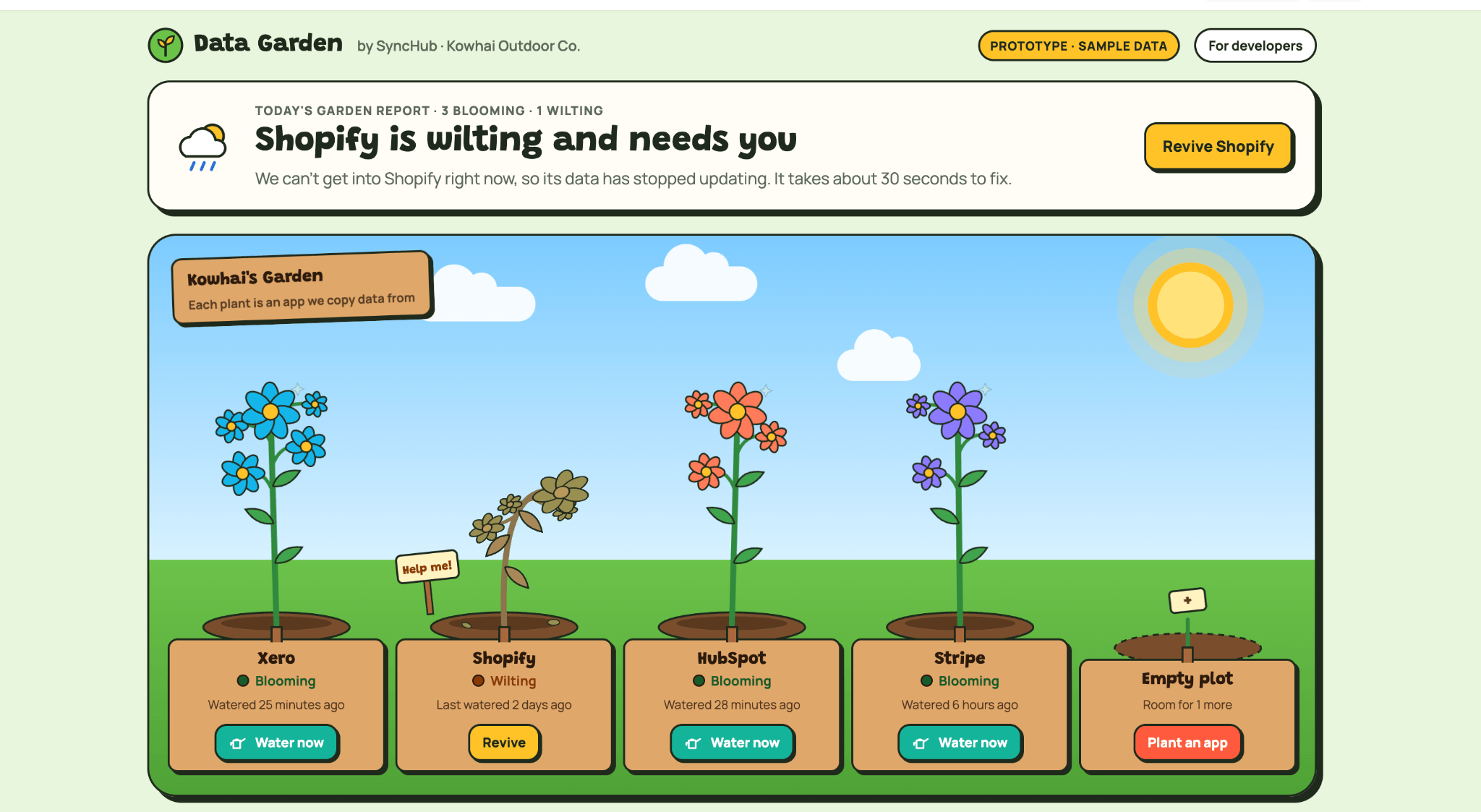
Please create me a web app that looks like a data garden
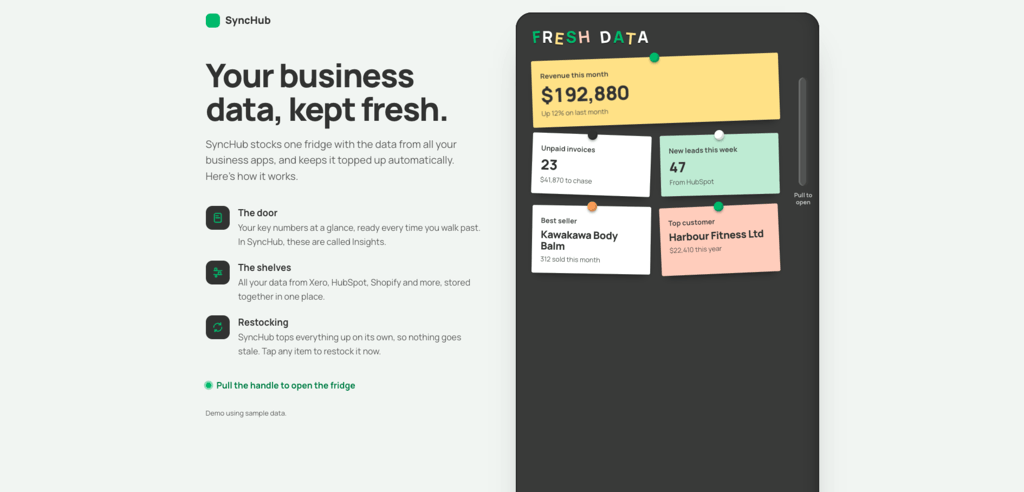
Build me a web app that looks like a double-door fridge. The doors show my key business numbers as sticky notes, and opening them shows all my synced data on the shelves, with how fresh each item is. Let me tap anything to restock it.
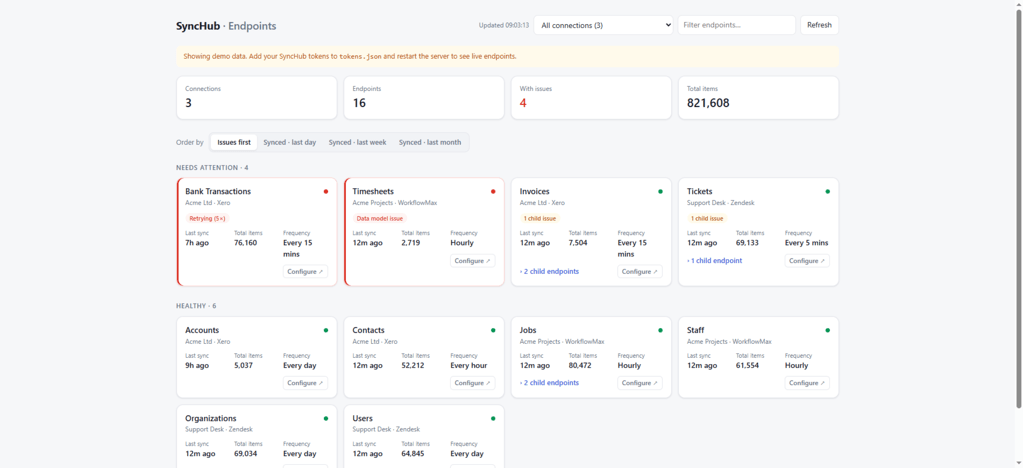
You can see other examples on our UI Gallery.
No software skills? No problem!
As you can see, you don't need to be a software developer to take advantage of BYOUI, because your AI will take care of that part for you. For example:
- Highlight the parts of SYNCHUB that you care about and hide the parts you don't.
- Remove everything except any endpoints that haven't synced any data in a week, or have more than 100,000 items.
- Add a button that re-syncs the handful of endpoints you think are most important all at once, or syncs the last year again, or clears out all the data completely and begins from scratch.
Almost any action that you can take in the SYNCHUB app can be replicated in your custom interface.
So, how does this work?
SYNCHUB already has an API which we use to drive our front-end application, but this is designed for consumption by our team of software developers. We wanted to build a new API from the ground-up which catered to a modern consumer - specifically, an AI Agent.
To do this, we added things like strong typing to our integers, and AI-friendly prompts to give more context to endpoints and how they interacted. The API has Workflows baked in, which demonstrate to the AI how different endpoints can be chained together to achieve common outcomes like creating a new connection.
What this ultimately let us do, was retain the complexity of our API, allowing consumers to build applications as rich and versatile as our own. Our API is not a library of isolated endpoints designed for a human to understand, but it is perfectly suited to the logical, pattern-recognizing requirements of an AI agent.
Because all of the technical heavy lifting is still done on the SYNCHUB server the agent doesn't need to worry about the delicate plumbing, all it has to do is trigger the battle tested systems already in place.
How do I get started?
To get started with your own UI, head over to our AI & Automation page then follow the links to activate the API for your SYNCHUB account.
SYNCHUB has always believed in democratizing data and putting the power into your hands. This is simply the next step. Happy syncing.